
For dental clinics and orthodontists who treat with clear aligners
Show patients where their smile is going.
Upload the steps of an aligner plan and send one private link. Your patient watches their teeth move from the first scan to the final result — on their phone, under your clinic's name, with nothing to install.
Real treatment, shared with the patient's consent · opens in your browser
From planning software to your patient's phone
No new workflow to learn. Export as you do today, upload once, share a link.
- 1
Export the plan
Your planning software exports each step of the upper and lower jaw as a PLY file. Time-stamped file names are fine.
- 2
Upload the whole folder
Drop every file of the treatment at once. Dentify3D recognises upper and lower jaw, numbers the steps and checks every file.
- 3
Share one private link
Send it by WhatsApp, SMS or email — with a passcode if you like. You see when it was opened, and can withdraw it at any time.
What your patient sees
The treatment, playing in their hand
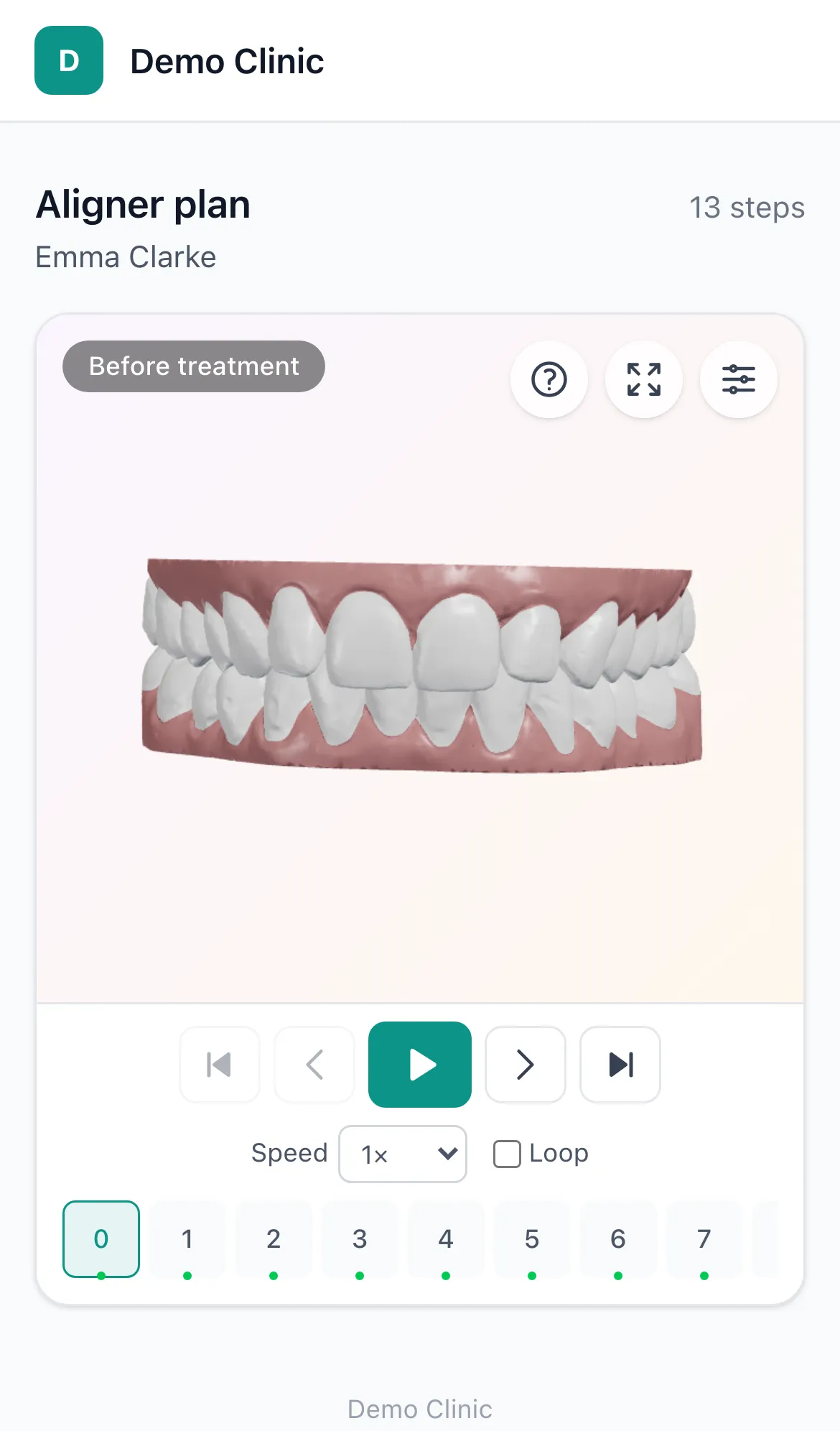
A calm page with your clinic's name and logo, the plan's title and a 3D viewer that plays the steps like a film. It opens instantly on a phone and keeps loading the later steps in the background.
- Before and after in one tap — the first scan and the planned result
- Rotate, zoom and choose front, side, top or bottom views
- No app, no account, no password to remember
- In your clinic's language — English or Turkish
- Your clinic's logo, colour and domain, not ours
Live demo
Open a real treatment
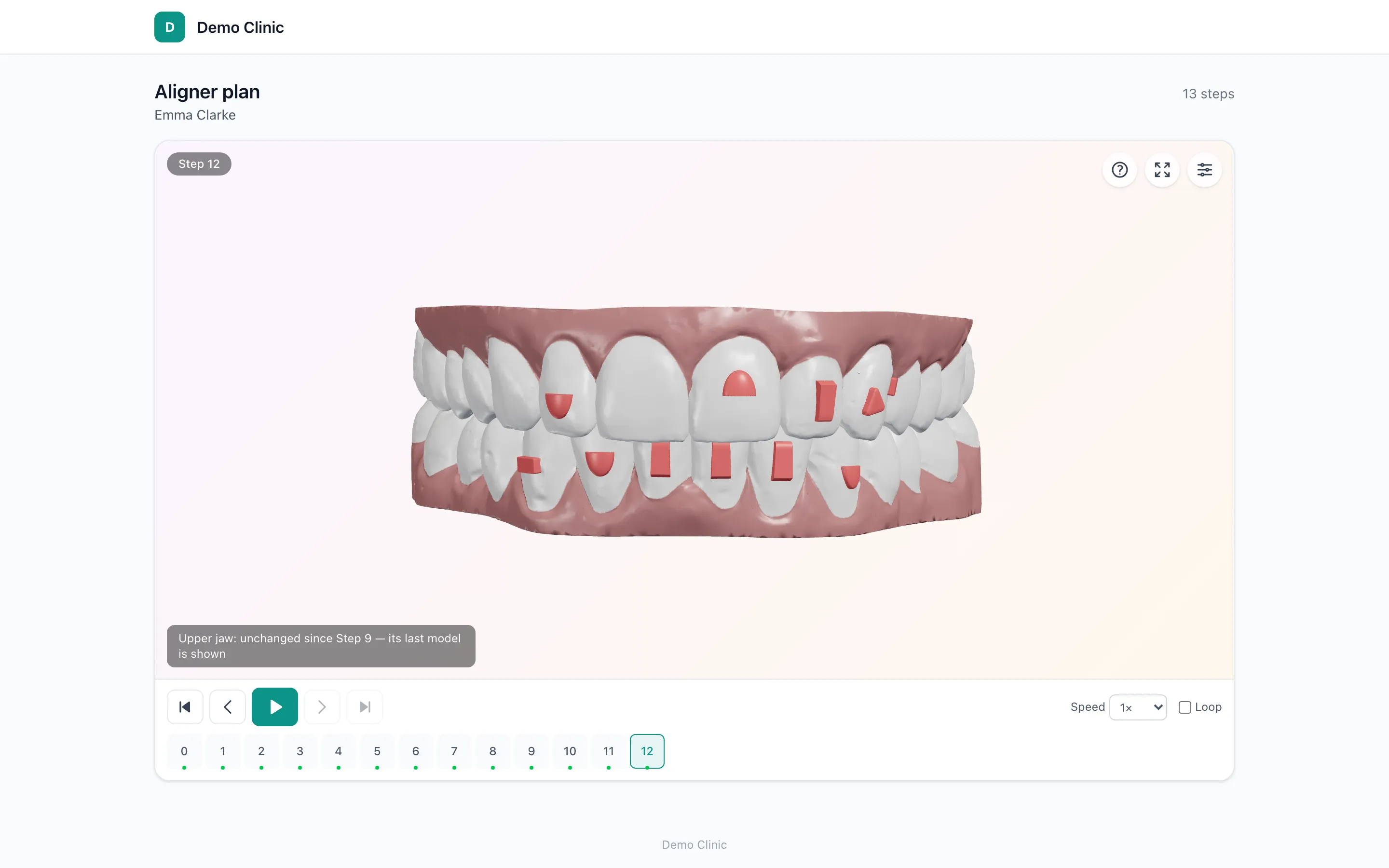
This is exactly what a patient receives: thirteen steps of a real aligner treatment in our demo clinic, attachments included. Press play, jump to the last step, turn the model around.
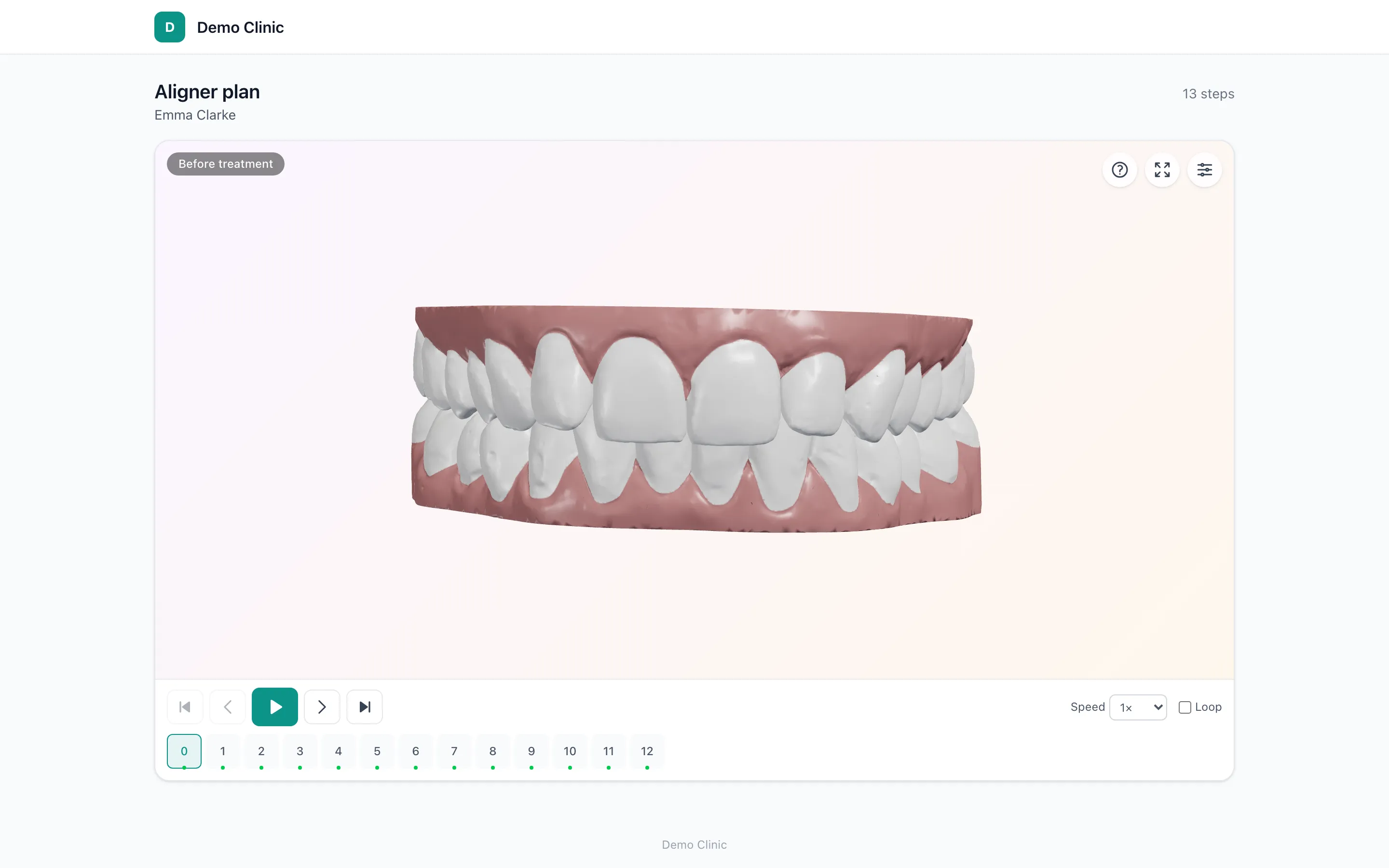
Shared with the patient's consent; the name is changed. The models are 4–5 MB per step and stream in as you watch.
Built for the way a clinic works
A panel for your team: dentists, assistants and the practice manager, each seeing what they should.
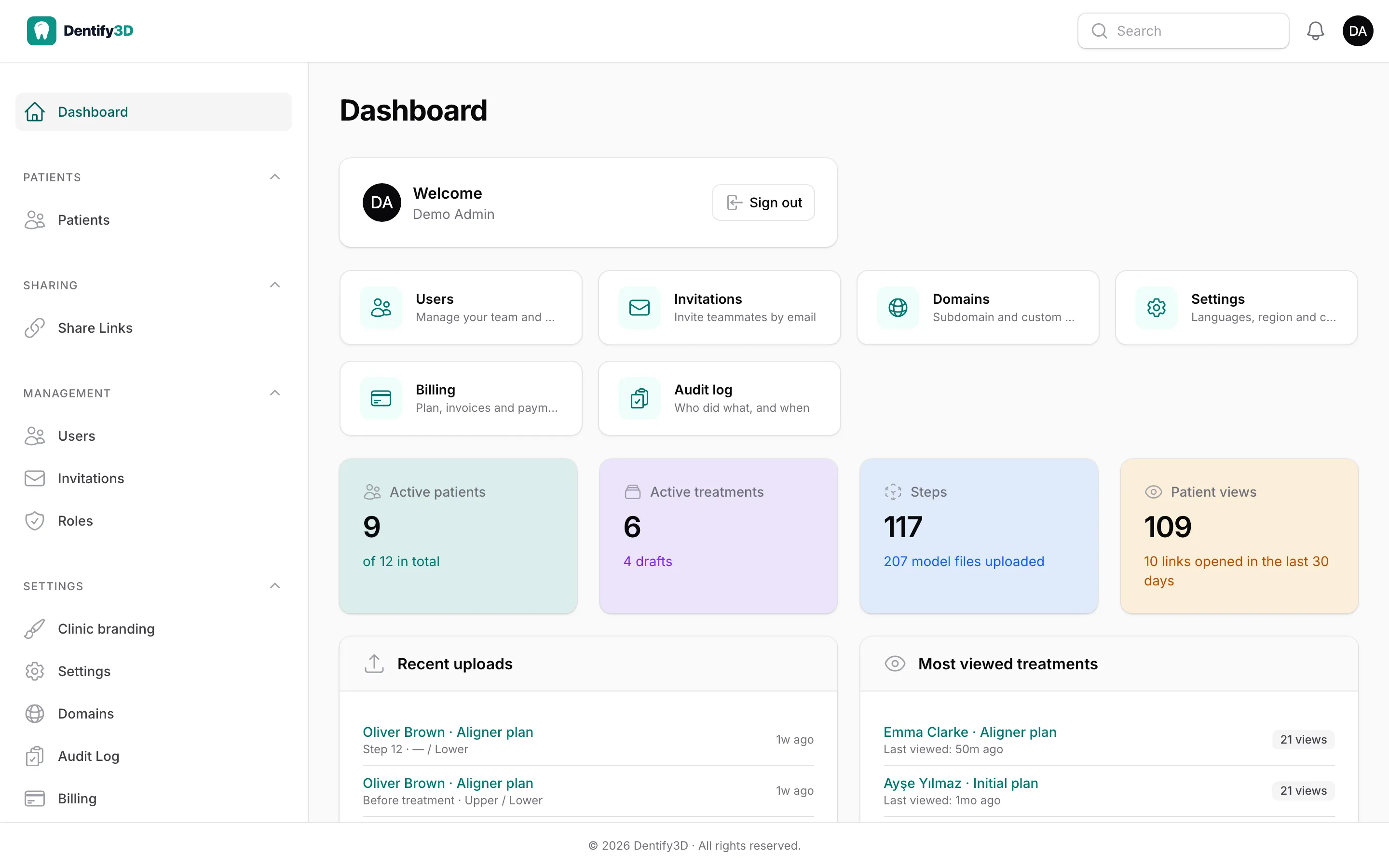
Dashboard
Your practice at a glance
Active patients and treatments, the latest uploads and — the number that matters — which treatments patients actually open, and when they last did.
- Patient views per treatment
- Recent uploads across the team
- Each dentist sees their own numbers
Treatments & steps
A whole plan in one upload
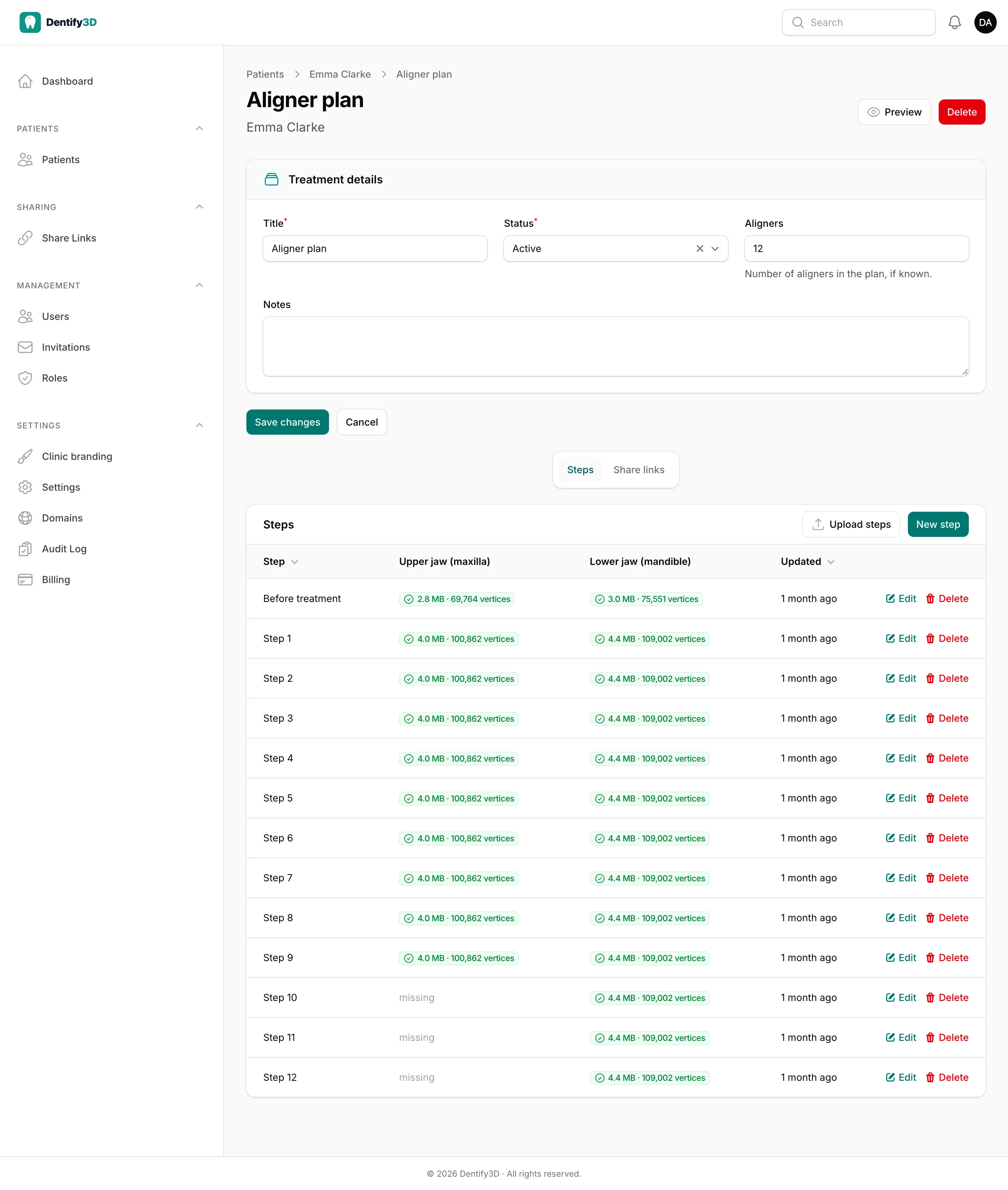
Every step with its upper and lower jaw, file size and point count. Refinements are simply a second treatment. Preview any treatment exactly as the patient will see it before you send the link.
- Bulk upload with automatic step numbering
- A jaw that finishes early is carried forward
- Preview before you share
Patients & team
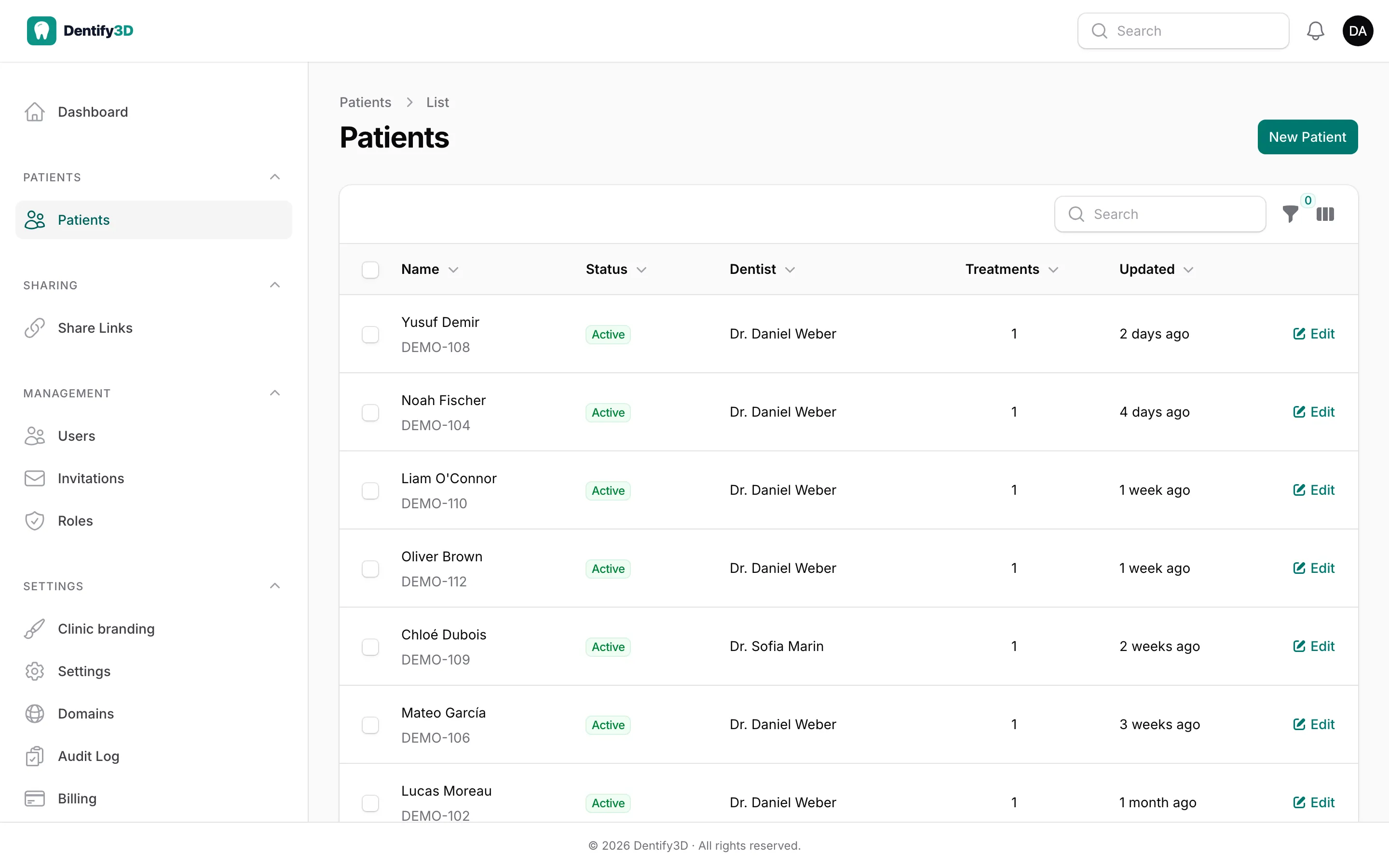
Each dentist, their own patients
Dentists see and share their own patients; assistants prepare uploads for everyone without sending links; managers see the whole clinic. Every change is written to the patient's history.
- Dentist, assistant, manager and admin roles
- Invite colleagues by email
- Full activity history per patient
Share links
You decide who sees what, and for how long
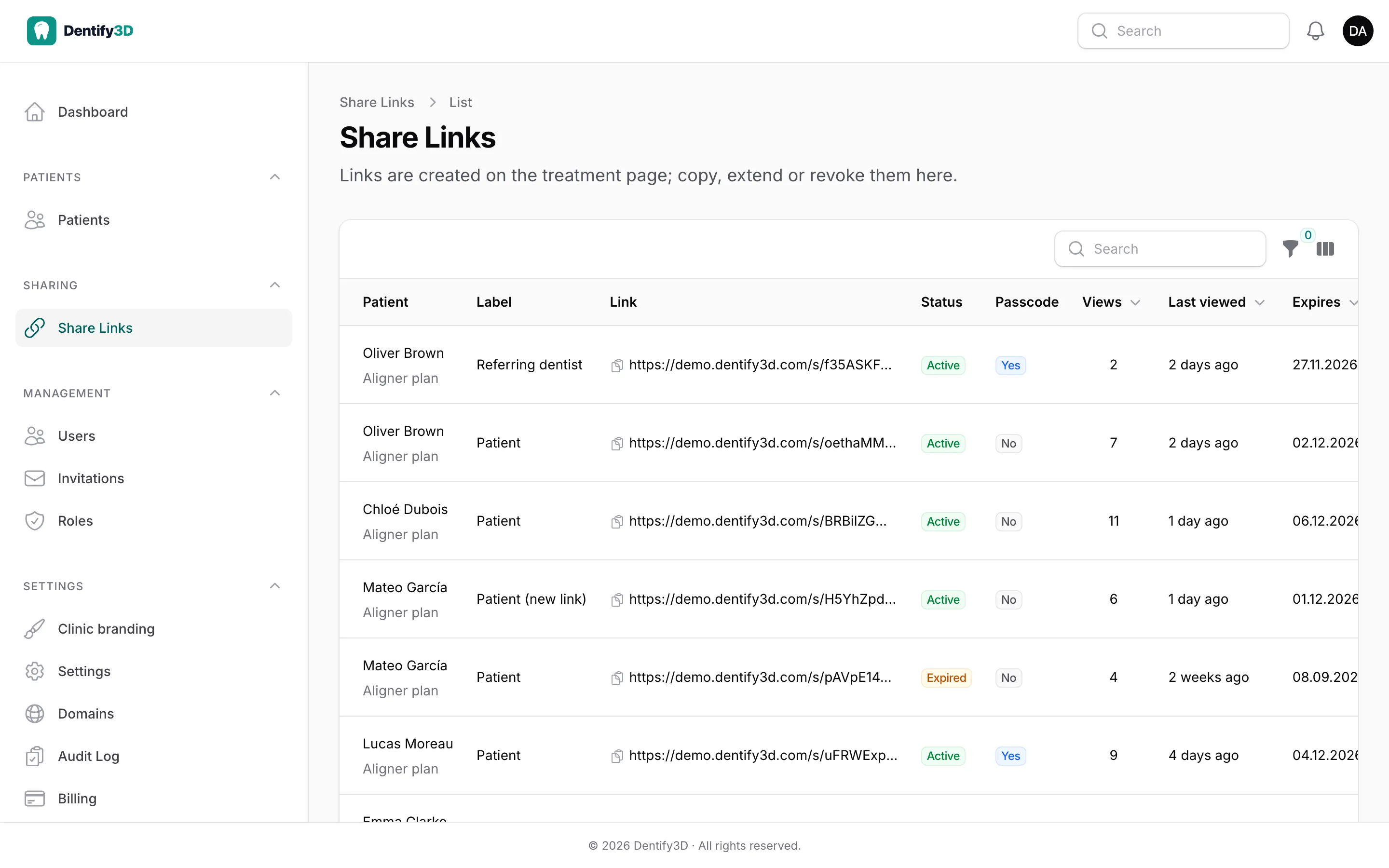
Several links per treatment — for the patient, a parent, a referring dentist — each with its own label, passcode and expiry. Views and the last visit are counted; revoking takes effect immediately.
- Optional passcode per link
- Expiry you choose, or until revoked
- Views and last visit per link
Your brand
Your clinic's name on every page
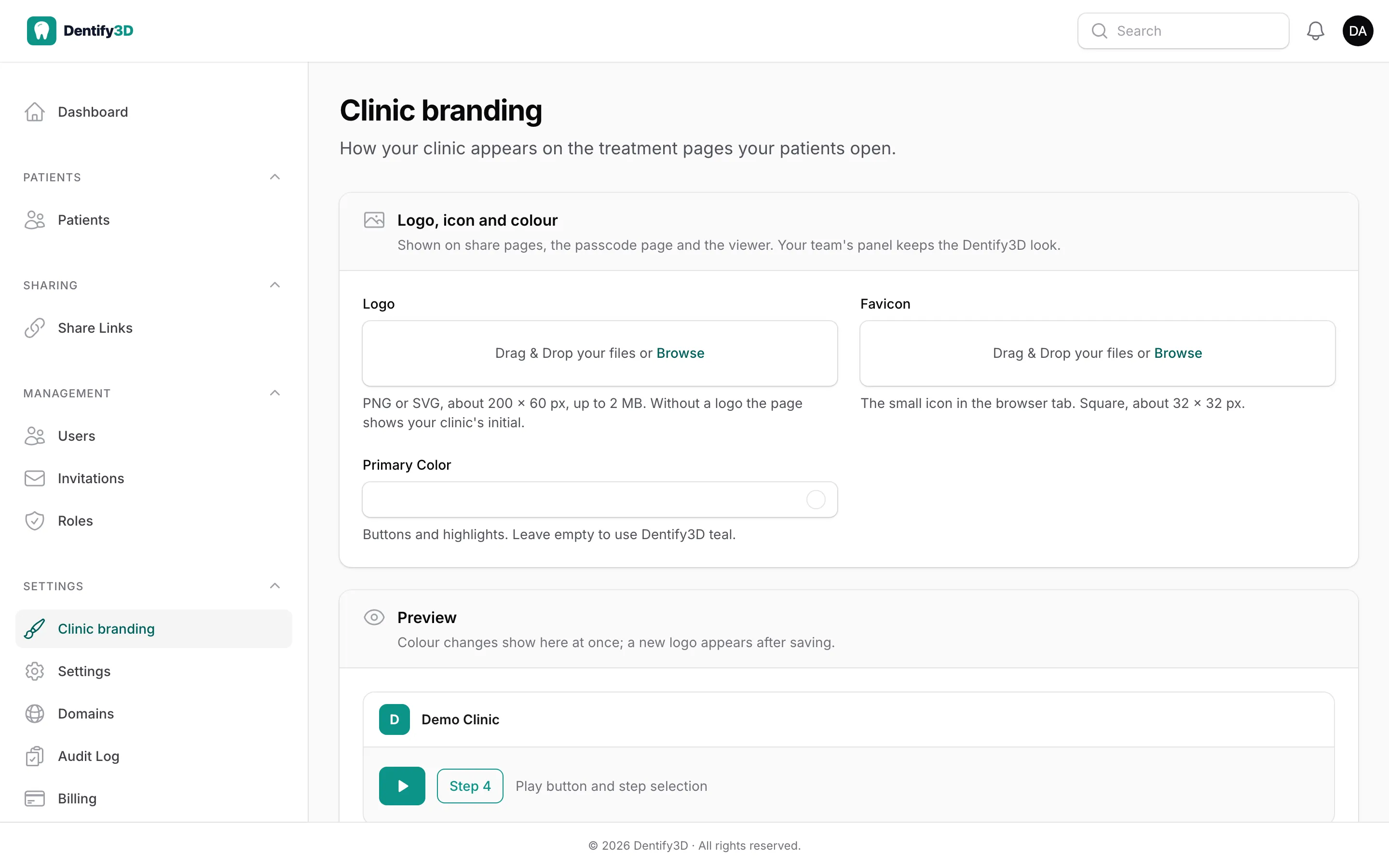
Your logo, browser icon and colour on the treatment page and the viewer, with a live preview while you set them. Links can use your own domain, such as 3d.your-clinic.com.
- Logo, favicon and colour
- Your own domain for links
- Help pages for your team in English and Turkish
Security & privacy
Patient data handled like patient data
Scans are health data. Dentify3D is built so that only the people you send a link to can see a treatment, and so your clinic stays in control of it.
Private, unguessable links
Every link is a long random token, never listed by search engines. A treatment is visible only through a link you created.
Passcodes, expiry, revocation
Protect a link with a passcode, let it expire on a date, or withdraw it at once. Repeated wrong passcodes lock the page.
Your clinic, its own database
Every clinic works in a separate database; model files live under the clinic's own storage area and reach the browser through short-lived signed addresses.
History and export
Every change to patients, treatments and links is recorded. Export your whole clinic — records and files — whenever you want.
Everything the treatment conversation needs
The details that make patients understand their plan — and make your team's day easier.
Smooth playback
Play, pause, speed and loop; the first step shows at once, the rest loads while the patient watches.
Six views and a section plane
Front, back, sides, top and bottom in one click; cut through the model to see inside.
Lighting and edge contrast
Adjust light, opacity and edge enhancement so attachments and contacts read clearly.
Early-finishing jaws
When one jaw finishes first, its last model stays in place with a short note for the patient.
Phone-first
Large touch controls, a settings sheet from the bottom, full screen on demand.
Two languages
The panel, the patient page and the help site in English and Turkish.
Roles that fit a clinic
Dentist, assistant, manager and admin out of the box; add your own roles with a permission matrix.
Your domain
Links on your-clinic.dentify3d.com, or on a domain of your own.
Help for your team
Step-by-step help pages for everything in the panel, in both languages.
We set up your clinic with you
Dentify3D is onboarding clinics personally. Tell us about your practice and we will open your clinic, walk your team through the first upload and share, and agree a plan that fits how many treatments you run.
- 1A short call or visit
- 2Your clinic, your subdomain, your brand
- 3Your first treatment can be shared the same day
Prefer to start on your own? Try any plan free for 14 days →
Questions
- Which files can I upload?
- Binary PLY files, one per jaw and step, as aligner planning software and intraoral scanners export them — with colours, up to 10 MB per file. If your software names files by date and time, the upload numbers them in order. STL and GLB are on our roadmap.
- Does the patient need an app or an account?
- No. The link opens in any current browser on a phone, tablet or computer. If you set a passcode, the patient enters it once.
- Can a patient see someone else's treatment?
- No. A link opens exactly one treatment, links cannot be guessed, and every clinic works in its own separate database.
- What happens when a link expires or I revoke it?
- The page stops showing the treatment immediately and asks the patient to contact your clinic for a new link. You can create a new one in seconds.
- Can my assistant prepare treatments?
- Yes. Assistants can add patients and upload steps for every dentist; sending links is left to dentists and managers.
- Can I use my clinic's own domain and logo?
- Yes. Every clinic gets its own address, and you can add your own domain. Your logo, icon and colour appear on the patient's page.
- What does it cost?
- Plans start at $39 a month (€39 in the EU, ₺990 in Turkey), priced by how many treatments you run at once; drafts and completed treatments never count. Every plan starts with a 14-day free trial, no card needed. See the pricing page for the details.
Let your patients see the plan
A treatment that patients can watch is a treatment they understand — and follow.
Questions first? Read the help pages or write to support@dentify3d.com · docs.dentify3d.com